
Equaliser
System-wide audio equalizer for macOS
Download for macOS
macOS 15+
Apple Silicon
System-wide audio equalizer for macOS
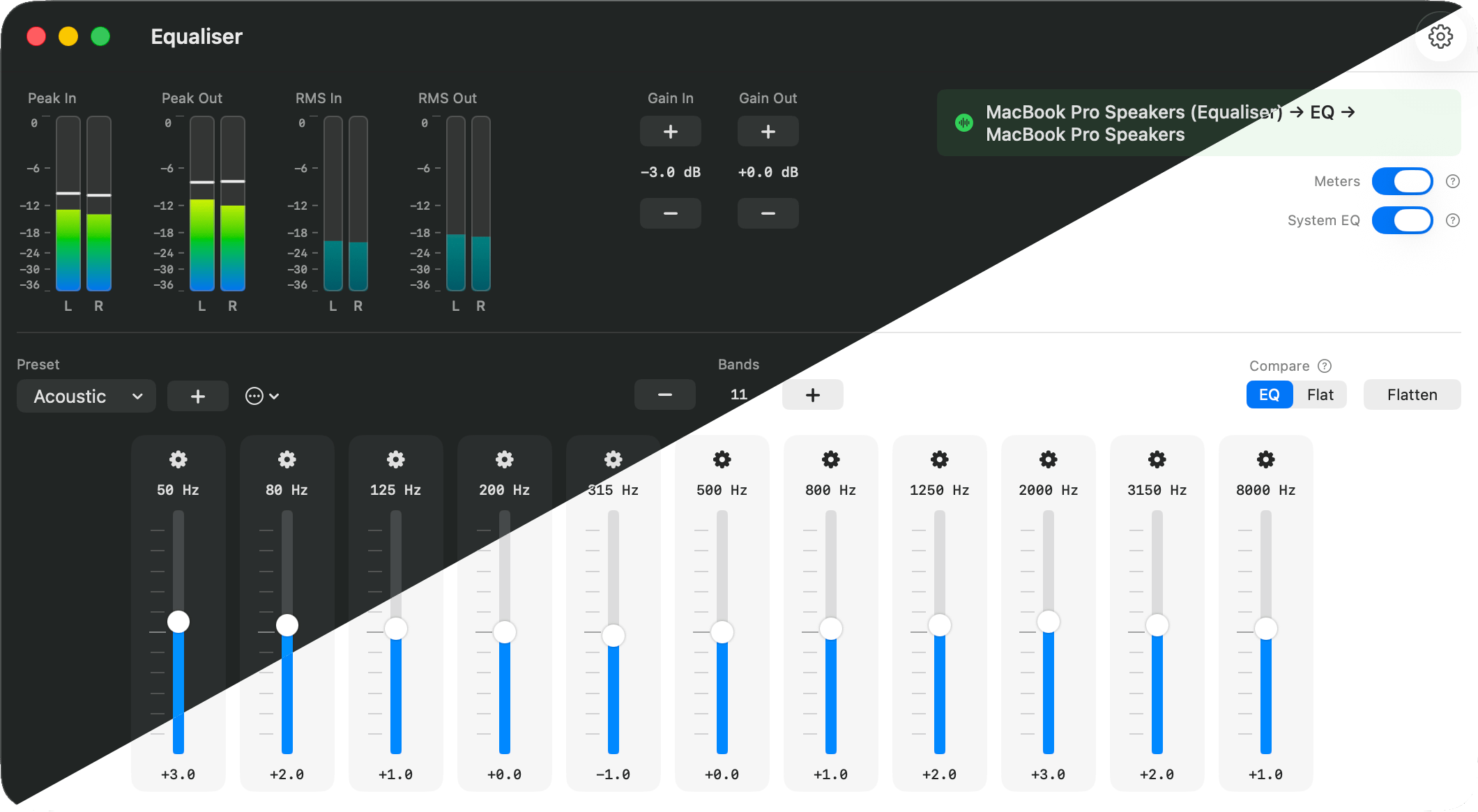
Download for macOSPrecise control over your audio with up to 64 bands of parametric equalization (PEQ).
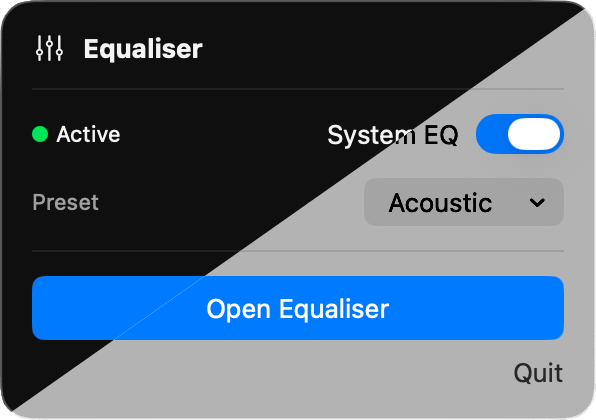
All audio from every app passes through the equalizer automatically.
A/B testing to compare your EQ settings with the original sound in real-time.
11 carefully crafted presets for music, movies, and more.
Automatically adapts to your macOS theme.
GPL-3.0 licensed.
Free forever, no ads, no tracking, no subscriptions.
Get the latest DMG from the link above.
Drag Equaliser to your Applications folder.
Right-click and select Open on first launch to bypass Gatekeeper.
macOS Gatekeeper may block Equaliser because it's not notarized by Apple.
If the app won't open, go to System Settings → Privacy & Security and click Open Anyway next to the security warning.
I currently don't want to pay Apple $99/year to let the app through Gatekeeper.
I may reconsider if it is requested.